Clank-Robotics
A downloadable game for Windows and macOS
Build | Program | Fight
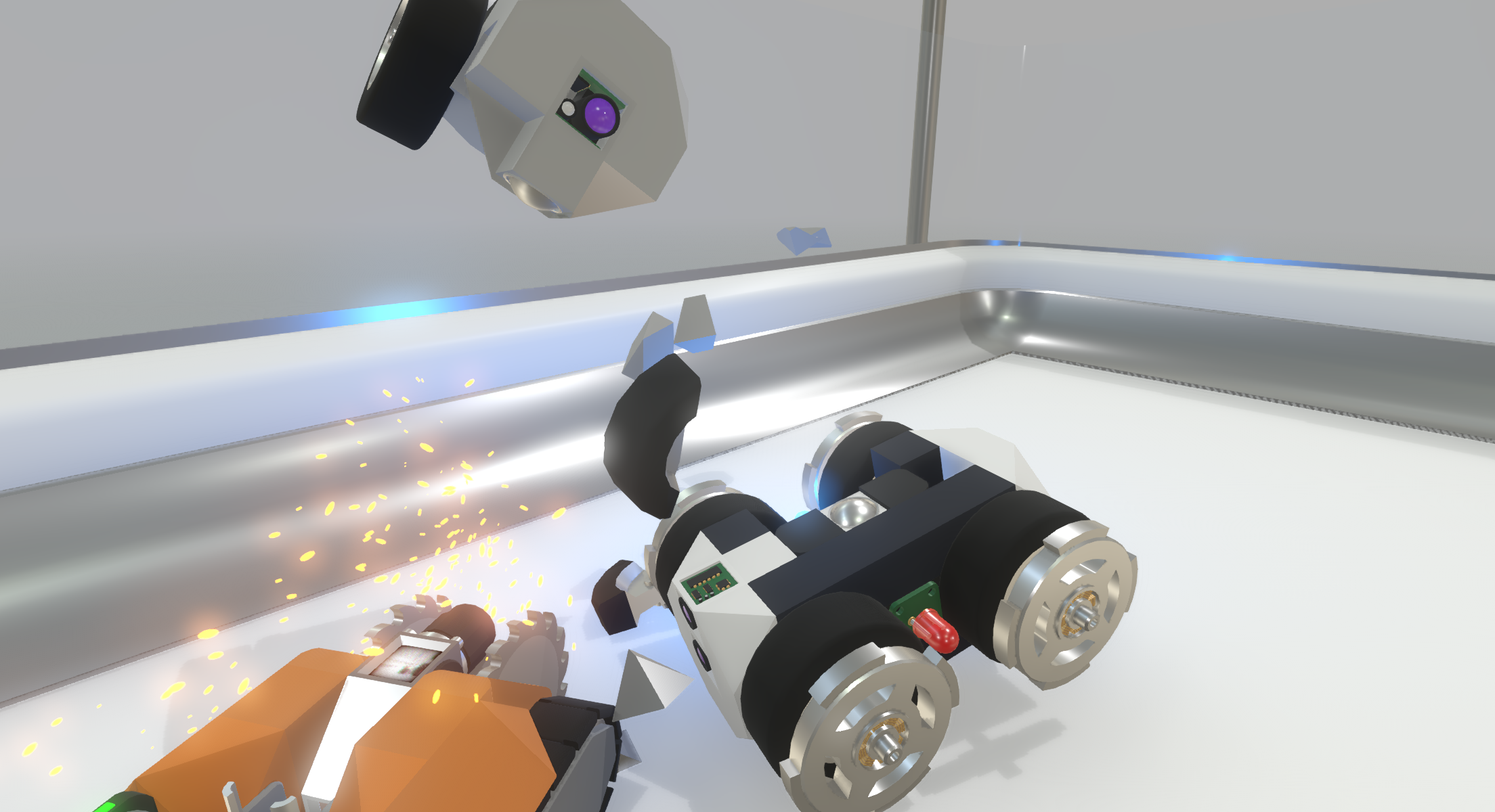
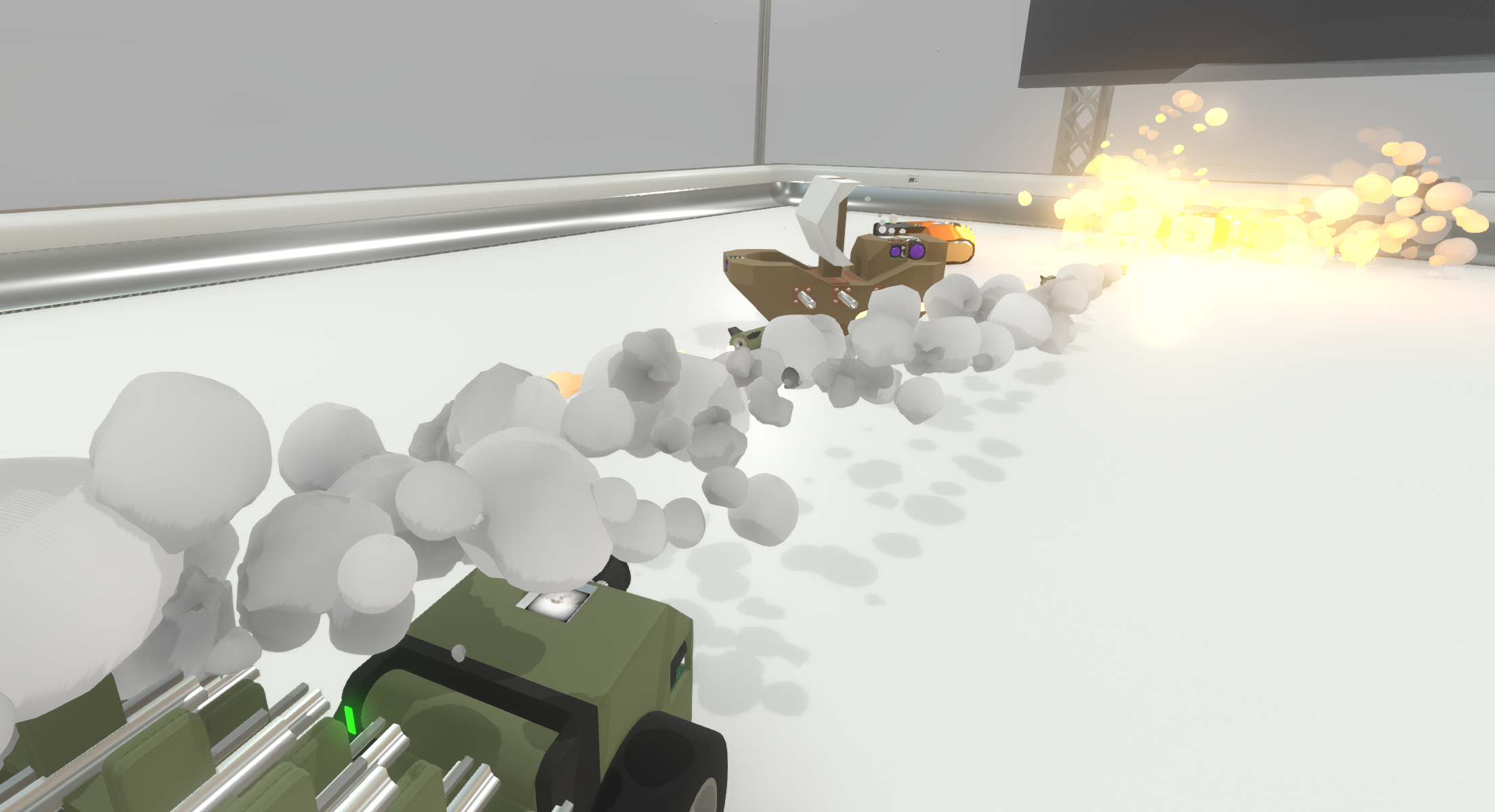
Build and program your very own autonomous battle bot to dominate the arena. Learn the fundamentals of programming and robotics in a fun, engaging and competative environment. You will need to outsmart other people's robots to keep your machine competative in the arena.
Build your own robot
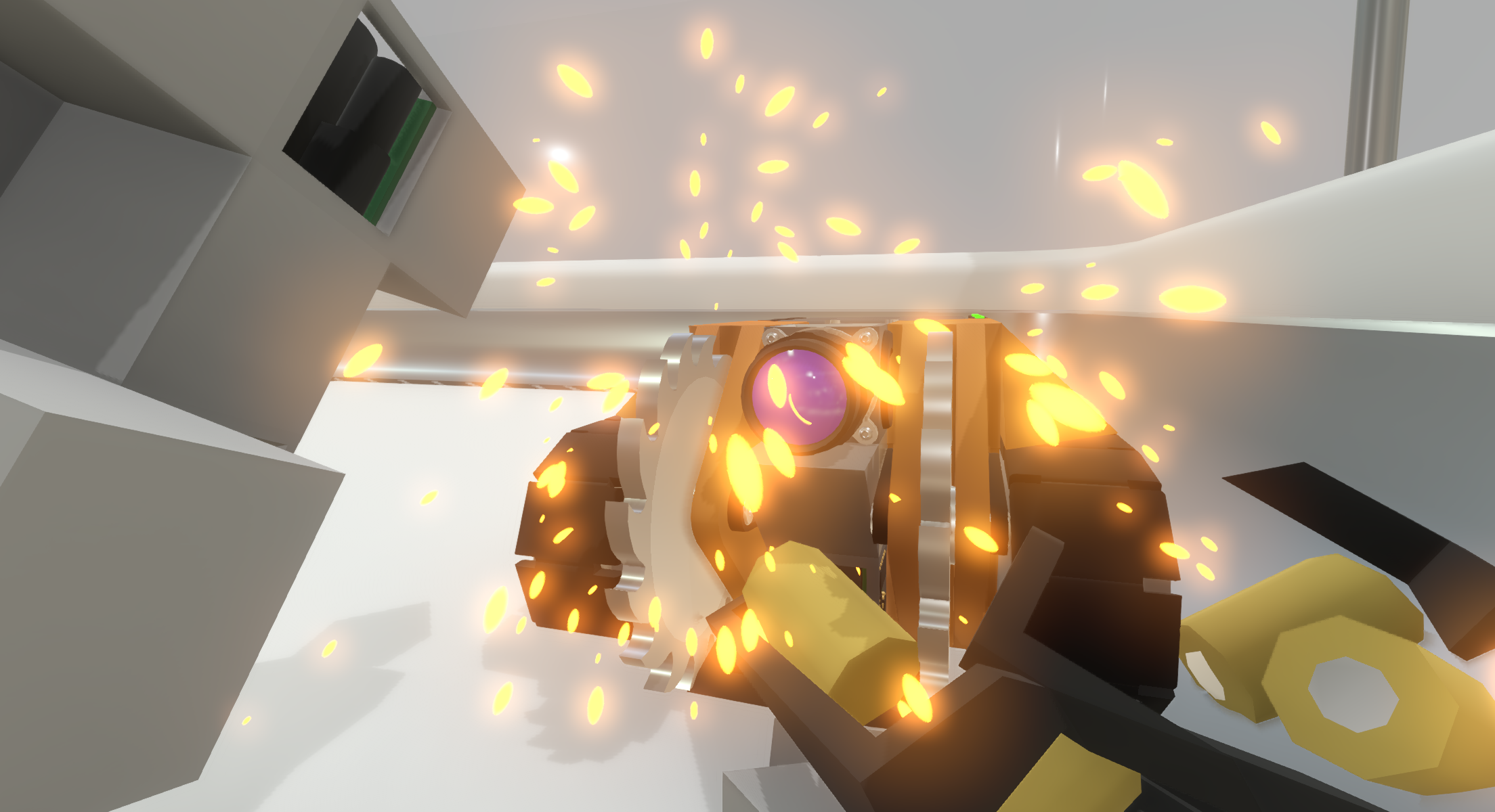
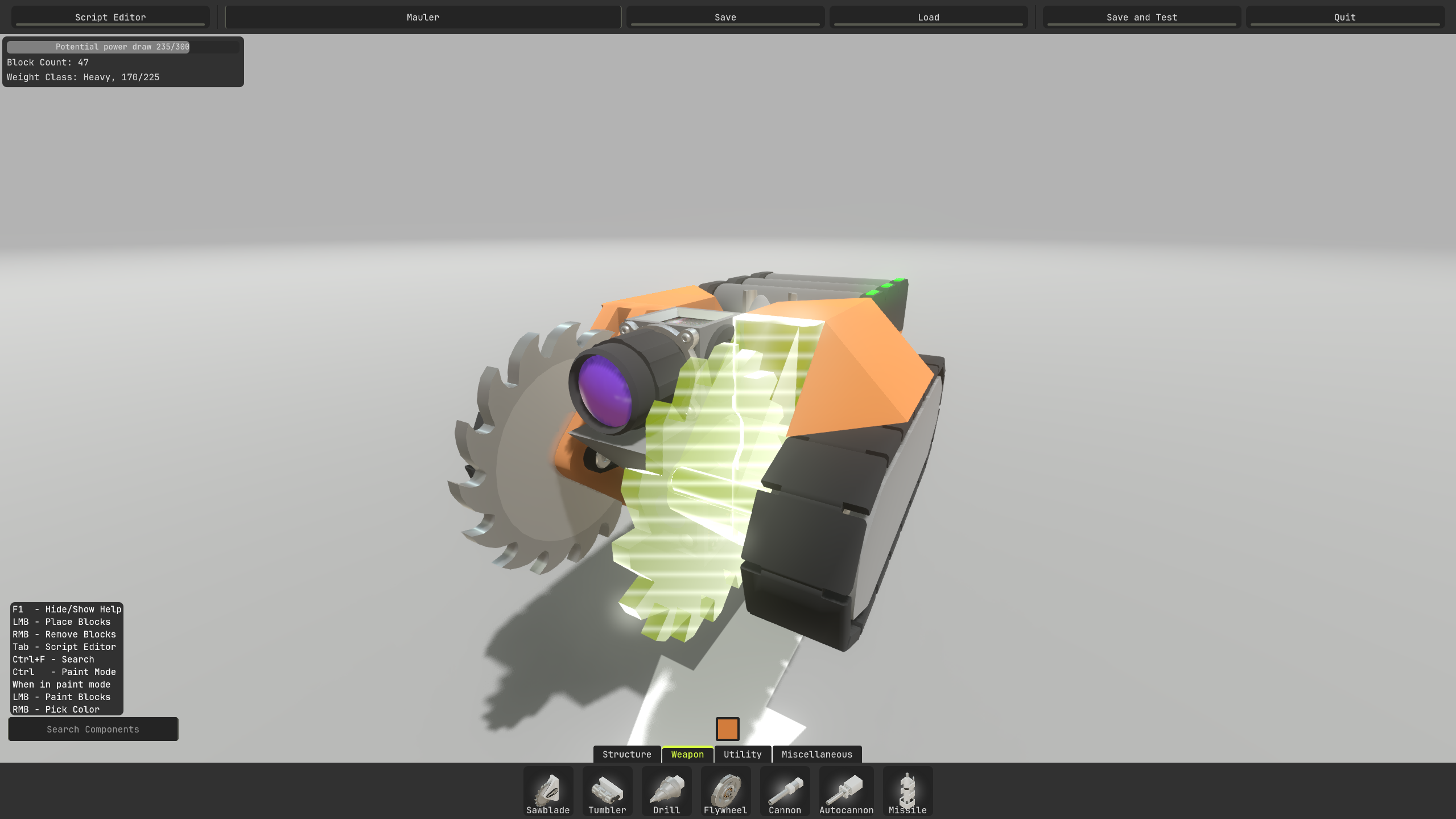
Build your own robots in the robot editor. Design your robot the way you want. Place every sensor, weapon, and wheel yourself, and tie it all together in the logic editor.

Program the behaviour of your robot
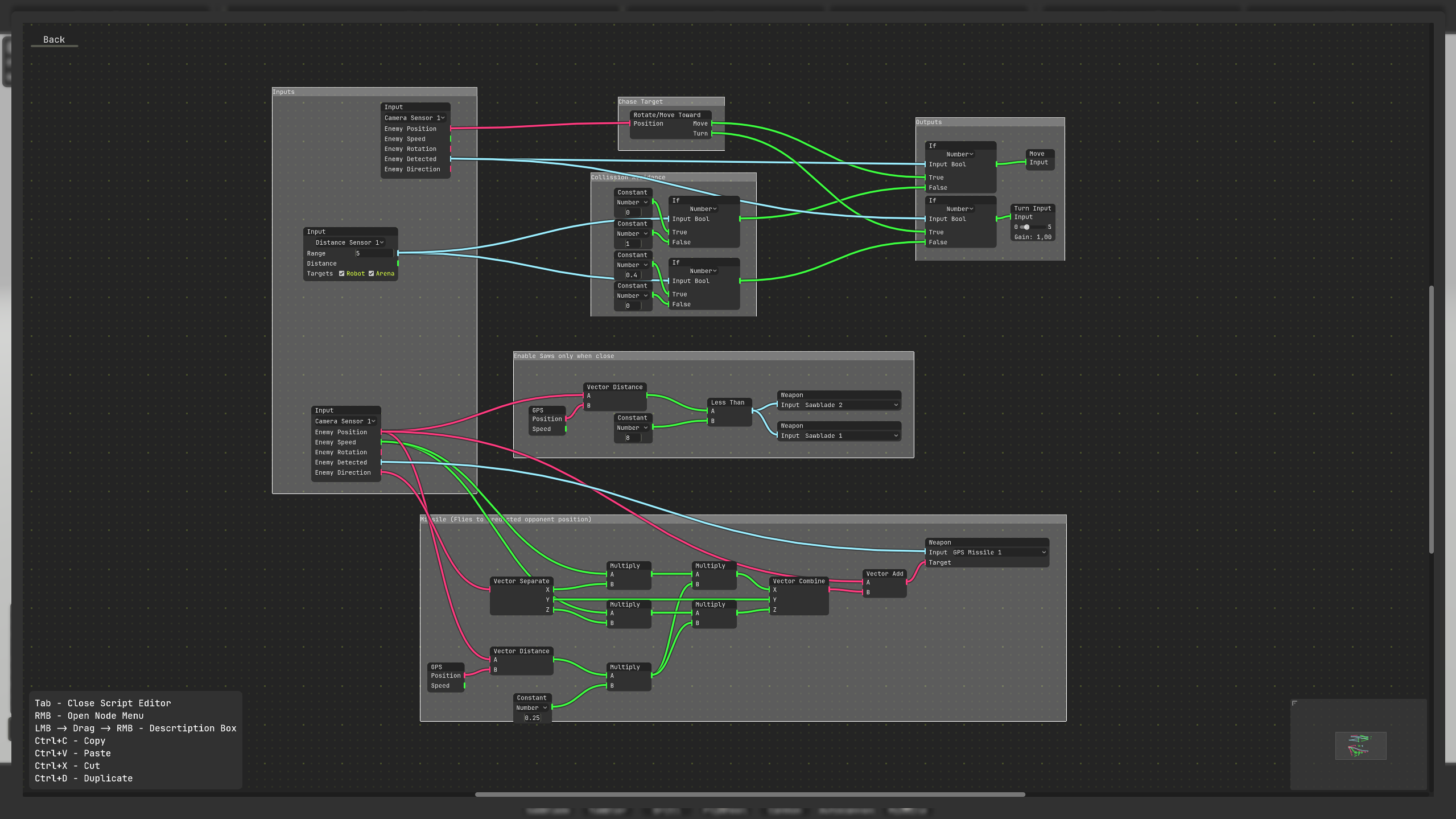
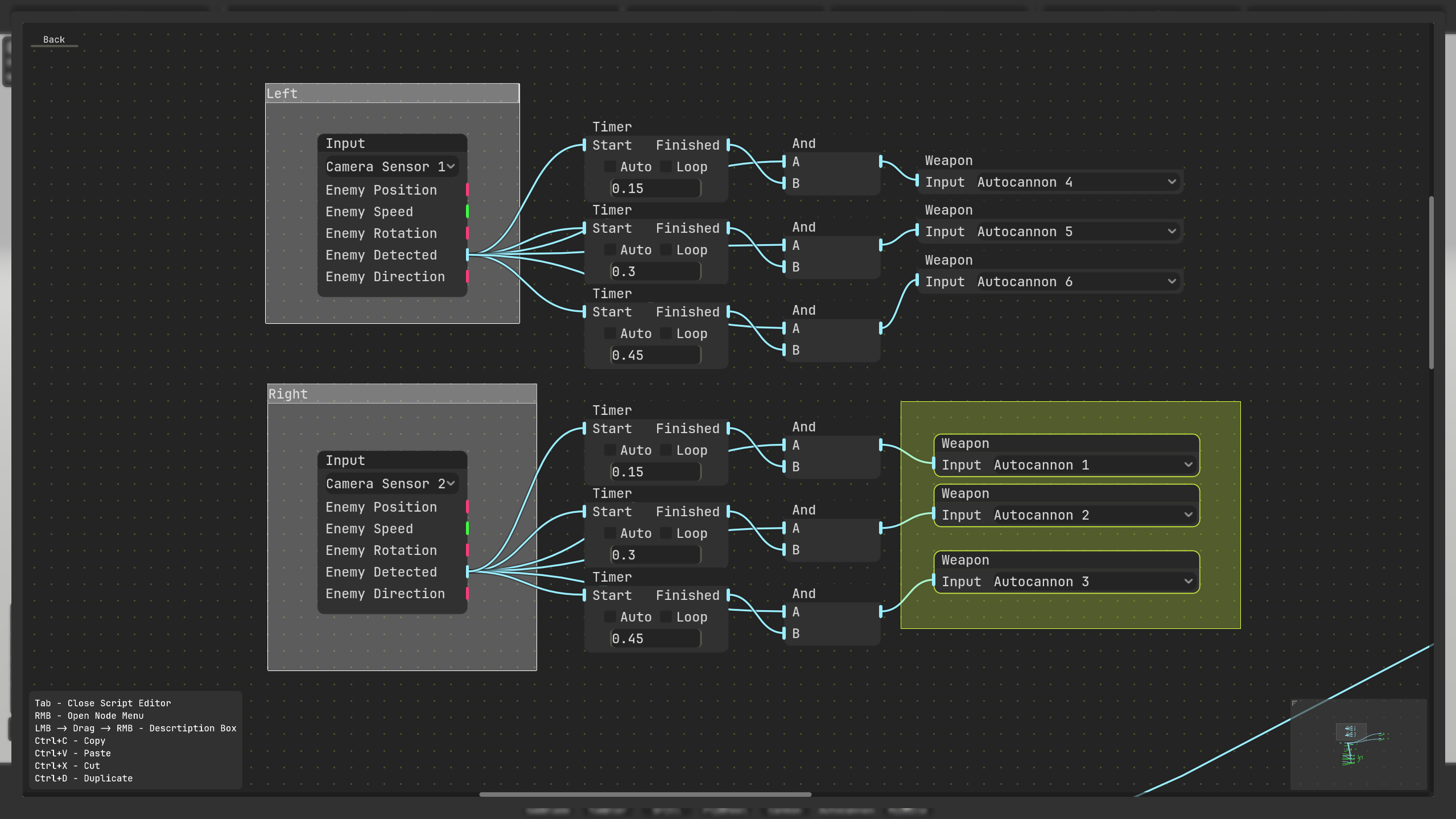
Program your robot’s AI in the Clank-Robotics Visual Scripting editor. You get to program how your robot acts based on the inputs it receives from the sensors you have placed. How smart can you make your robot?

Fight against other people's robots
Compete against other people's robots in the ranked arena. Climb the leaderboard in Clank-Robotics with your new creation and design the #1 ranked robot in the world.
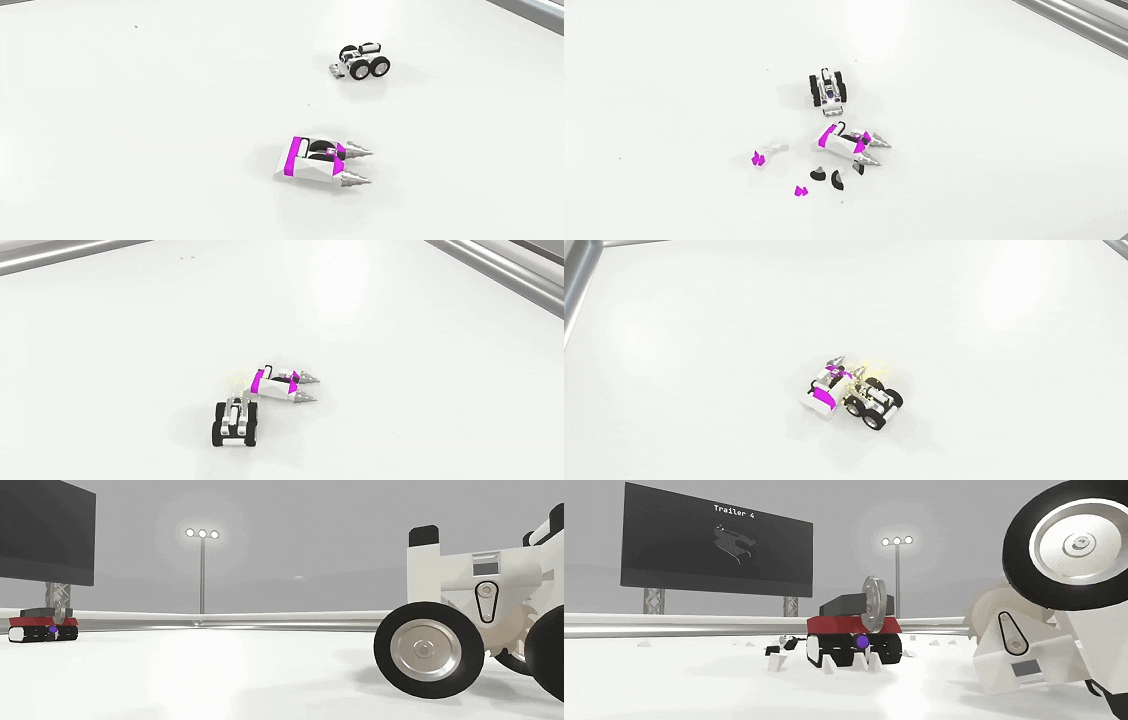
note: ranked mode not available in the itch.io demo version
Download
Install instructions
Windows Setup
Just install, unzip and run .exe
macOS Setup
- Download Clank-Robotics-mac.dmg
- Open the .dmg
- Drag Clank-Robotics.app into Applications
- Eject the disk image
- Open from Applications
If macOS says the app is “damaged”
Open Terminal and run:
xattr -dr com.apple.quarantine "/Applications/Clank-Robotics.app"
Then launch again.
Development log
- Bug fixes & Improvements3 days ago
Comments
Log in with itch.io to leave a comment.
Fun idea, thanks for sharing! Will try back later could not get the mouse to show consistently in the graph edit panel.
Thanks for playing! I'm not sure about the mouse issue, we've never come across that bug in testing :/
It should hopefully be fixed now if you redownload the newest version that contains a bunch of fixes and improvements.